

Chapter 9 of 12 · min 25:27 to 30:53
How to load 3 years of ad history into BigQuery with transfers
Creating transfers in Detrics: picking accounts, daily frequency, the chunked historical load and incremental deduplication. Millions of Meta and TikTok rows loaded once.
Watch on YouTube (from 25:27) · Spanish audio
Create the transfers
Let’s create the transfer: load the entire history and set up deduplication.
Claude asks whether the transfer should include every account or just the sampled ones. The video picks the ones shown earlier, but you can pick all: if you do, every time a new account appears in the Meta or TikTok account you connected, the system picks it up and adds it to the transfer automatically. That keeps both platforms synced to your warehouse forever, for existing and future accounts.
On frequency: daily is the recommendation. Syncing more often can saturate the Meta and TikTok APIs, and it’s unnecessary because the data is usually read on closed days.
The historical load runs in chunks
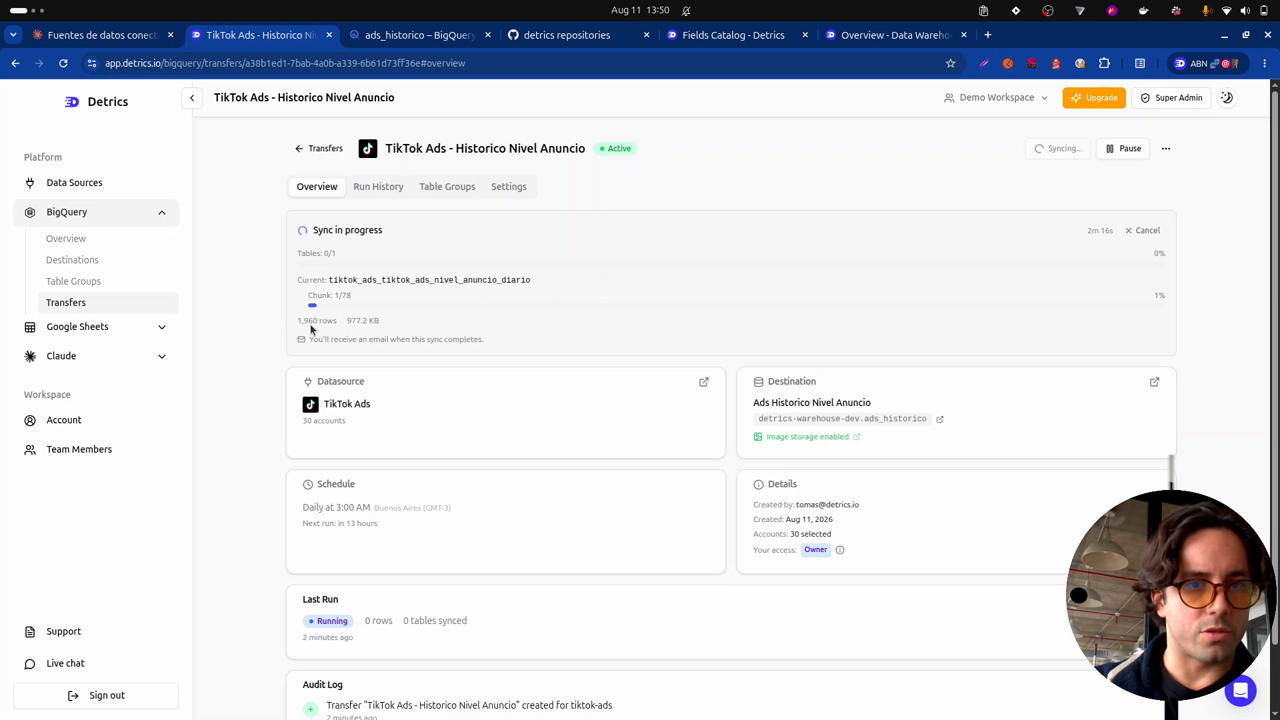
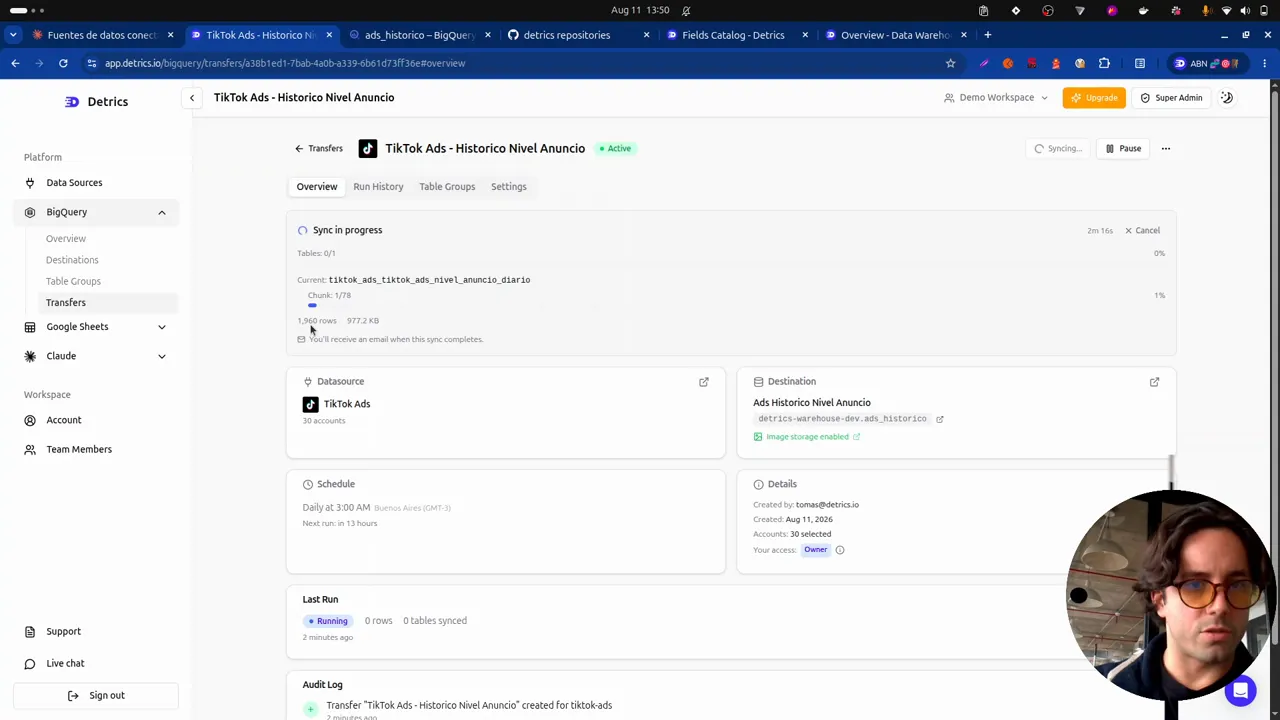
Once created, both transfers start downloading. In the web app’s Transfers section you can see the data being cut into chunks: it’s a huge amount of information, and requesting it whole tends to make the APIs fail. Cut into small pieces, the download is manageable; if a chunk fails, the system takes care of recovering that piece later.
The historical load can take up to days, but it runs once. When it finishes, an email arrives confirming the history is complete: in the video, 2 million rows for Meta and 200,900 for TikTok.
From the initial load to steady state
Back in Detrics, you can see the first run (with one failed chunk the system later repaired) and, below it, the subsequent syncs: much smaller and faster, focused only on the refresh window configured in the table group (August 8 to 12, for example).
That’s the steady state: short, efficient, stable transfers that keep BigQuery always current. For each account you can drill into the loaded periods, when they ran and how many rows they brought.
Frequently asked questions
How long does the historical load take?
It can take hours or even days depending on volume, but it runs once. In the video, the load finished with 2 million Meta rows and 200 thousand TikTok rows, with an email notification on completion.
Why is the download split into chunks?
Because it's a huge amount of data and the platform APIs saturate if you ask for everything at once. Detrics splits the data into manageable pieces; if a chunk fails, the system recovers it automatically later.
Which sync frequency should I use?
Daily. Running more often can saturate the Meta and TikTok APIs and it's unnecessary: the data is usually analyzed on closed days.
What happens when I add a new ad account?
If you chose to sync all accounts (the Sync All feature, for enterprise customers), the new account joins the transfer on its own, downloads its history and enters the same steady-state as the rest.
All chapters in this series
- 0:00 1. The problem: ad-level data
- 2:19 2. The solution: warehouse, history and incremental deduplication
- 5:15 3. A look at the final result in BigQuery
- 8:27 4. Step one: connect Claude to Detrics via MCP
- 11:02 5. Step two: explore the sources and design the data schema with Claude
- 13:51 6. How the Detrics warehouse works
- 19:31 7. The table groups created in Detrics
- 22:04 8. Step three: create the destination in your own Google Cloud
- 25:27 9. Step four: transfers and the historical load
- 30:53 10. The data in BigQuery: tables, rows and creatives in your bucket
- 33:19 11. Analyzing the data with Claude and the BigQuery MCP
- 37:41 12. Final step: the unified Meta + TikTok view
Want to build this with your own data?
