

Chapter 8 of 12 · min 22:04 to 25:27
How to create a BigQuery destination in your own Google Cloud
Creating the destination in Detrics: a BigQuery dataset in your own Google Cloud, with standard or least-privilege mode, region, image storage and sync timezone.
Watch on YouTube (from 22:04) · Spanish audio
What the destination is
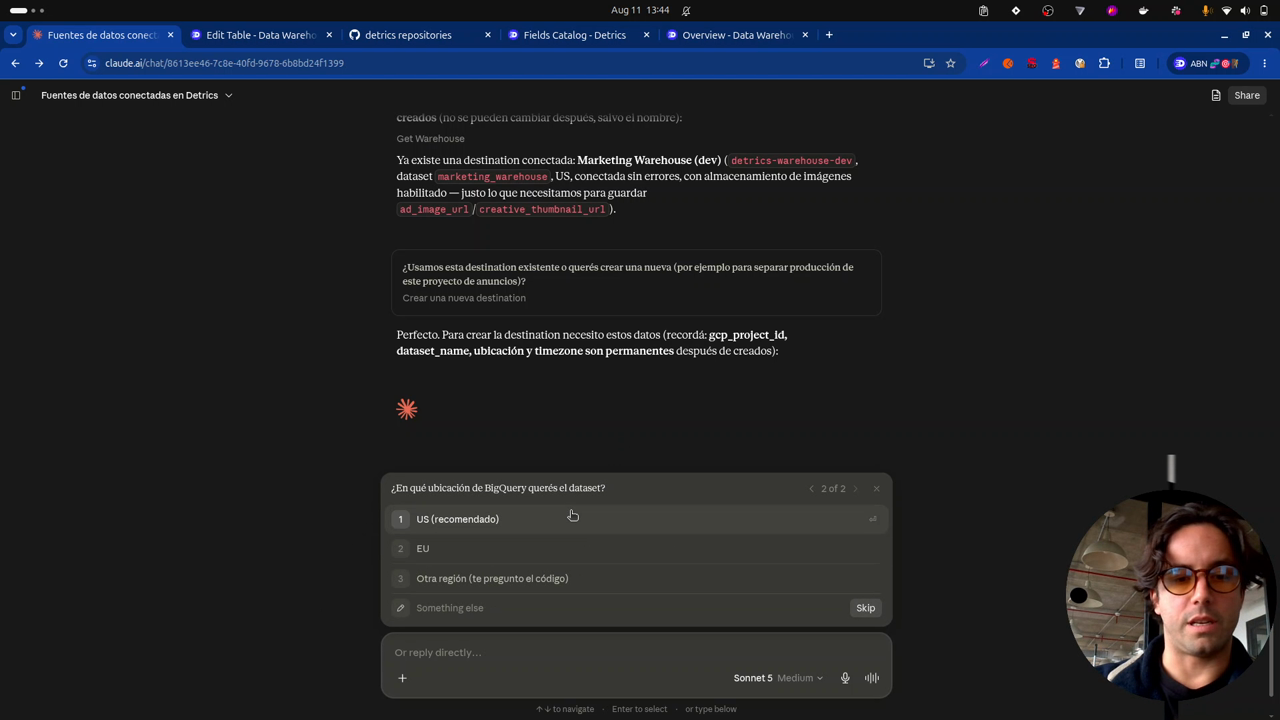
From the pipeline, the data sources and table groups are done. What’s missing is where the data goes: the destination, which inside Detrics points to a BigQuery dataset in your own Google Cloud.
Let’s move on and create a destination for this data.
The demo already has one, but a new one gets created to show the full flow. The web app has every step to grant Detrics access so it can create and configure the dataset, ready to receive the transfers from the tables just defined.
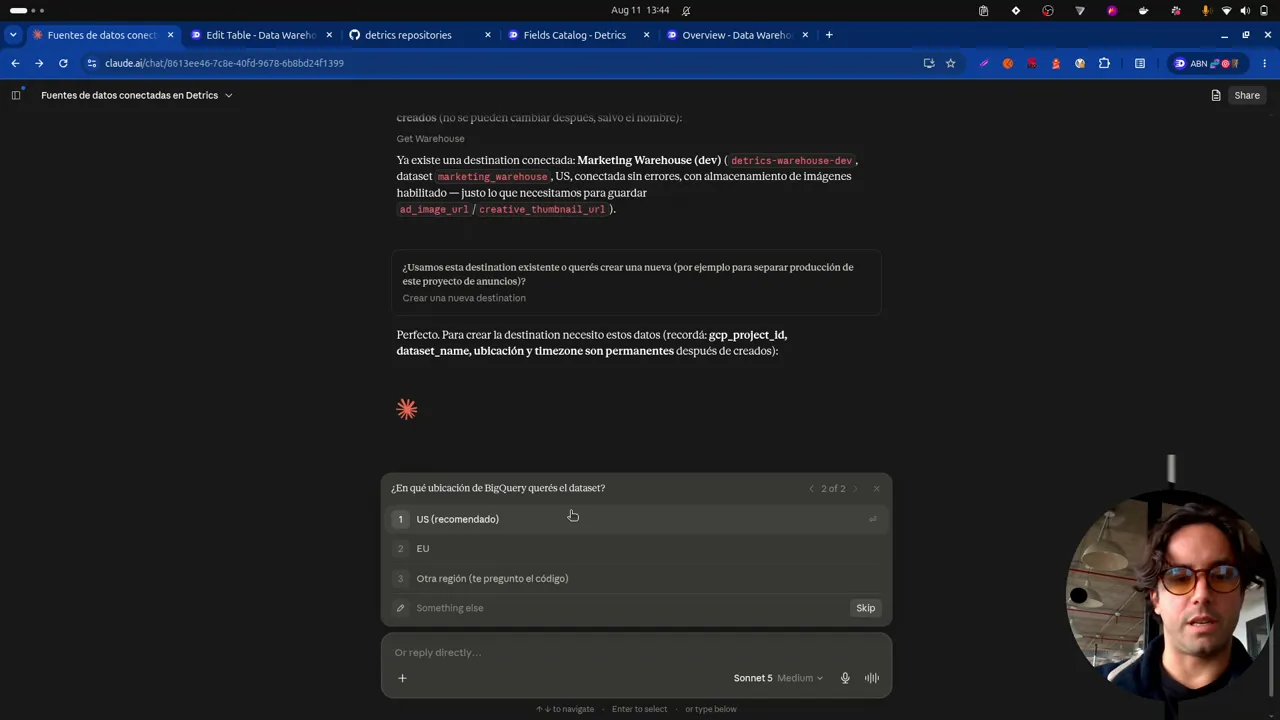
The configuration decisions
- Access mode: there are two creation modes. Least privilege is for companies that want to minimize the access they grant Detrics; standard gives a bit more power and needs fewer setup steps. The video goes with standard.
- Region: you can choose which Google Cloud region the dataset lives in.
- Project: the ID of the Google Cloud project that hosts the data.
- Image storage: very important to enable it, this is what saves the creatives in your own cloud.
- Name: in the video, “ads historical”, without naming platforms. That way, if another ads platform gets added tomorrow, the same dataset works.
- Timezone: defines which timezone the syncs run in, based on the frequency you pick (every 6 hours, 12 hours, daily or weekly).
The result
Claude creates the destination. In the Destinations section of Detrics the dataset shows up; clicking it takes you straight to BigQuery, where the dataset already exists in your Google Cloud, still empty. With this, every needed entity is in place: the only thing left is creating the transfer.
Frequently asked questions
Where does the warehouse data get stored?
In a BigQuery dataset inside your own Google Cloud project. Detrics points to that dataset as the destination: the data lives on your side, not in Detrics.
What's the difference between least-privilege and standard mode?
Least privilege minimizes the access you grant Detrics, meant for companies with strict permission requirements. Standard grants more power and needs fewer setup steps on the user's side.
What is the destination timezone for?
So Detrics knows which timezone to run the transfers in, according to the frequency you choose (every 6 or 12 hours, daily or weekly).
All chapters in this series
- 0:00 1. The problem: ad-level data
- 2:19 2. The solution: warehouse, history and incremental deduplication
- 5:15 3. A look at the final result in BigQuery
- 8:27 4. Step one: connect Claude to Detrics via MCP
- 11:02 5. Step two: explore the sources and design the data schema with Claude
- 13:51 6. How the Detrics warehouse works
- 19:31 7. The table groups created in Detrics
- 22:04 8. Step three: create the destination in your own Google Cloud
- 25:27 9. Step four: transfers and the historical load
- 30:53 10. The data in BigQuery: tables, rows and creatives in your bucket
- 33:19 11. Analyzing the data with Claude and the BigQuery MCP
- 37:41 12. Final step: the unified Meta + TikTok view
Want to build this with your own data?
