

Build your marketing data warehouse with Claude
Full video tutorial: build a BigQuery data warehouse with all your ad-level data from Meta and TikTok Ads, historical and real-time, using Detrics and Claude via MCP. 12 step-by-step chapters.
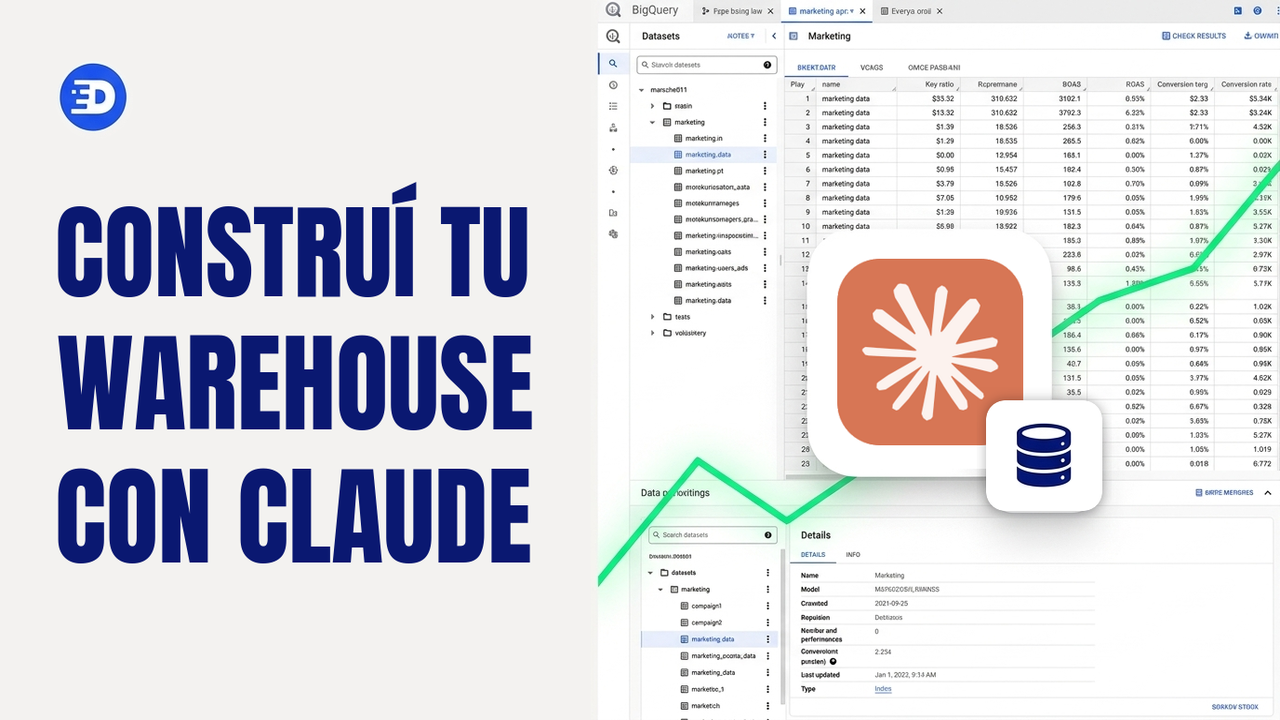
Watch on YouTube · Spanish audio
In this series, our CEO walks through the full process of building a digital marketing data warehouse in BigQuery: from an empty warehouse to millions of rows from 60 ad accounts unified in one place, with every ad’s image stored in your own cloud.
The whole thing happens in conversation with Claude, connected to Detrics via MCP: exploring the data sources, designing the schema, creating the tables and transfers, loading 3 years of history and leaving the data to refresh itself forever.
What you’ll have when you finish
- One BigQuery table per platform (Meta Ads and TikTok Ads) with all your ad-level data, day by day.
- The full history loaded before the platforms delete it.
- Your ad images stored in your own bucket, with no expiring URLs.
- A unified view that merges Meta and TikTok into a single table, ready for dashboards, alerts or agents.
What you need
- A Detrics account with your data sources connected.
- Claude (web or desktop) with the Detrics MCP connector.
- Your own Google Cloud project where the warehouse will live.
Video links
- Connect Claude to Detrics: app.detrics.io (custom connector:
mcp.detrics.io) - Guide to connect BigQuery to Claude: support.detrics.io/bigquery/connect-to-claude
- What to build on top of this data: the dashboard series with Claude Code
You can watch the full video straight through, or go chapter by chapter: each one has its summary, the transcript and the exact prompts used in the video, ready to copy.
Chapters
- 0:00 1. The problem: ad-level data
- 2:19 2. The solution: warehouse, history and incremental deduplication
- 5:15 3. A look at the final result in BigQuery
- 8:27 4. Step one: connect Claude to Detrics via MCP
- 11:02 5. Step two: explore the sources and design the data schema with Claude
- 13:51 6. How the Detrics warehouse works
- 19:31 7. The table groups created in Detrics
- 22:04 8. Step three: create the destination in your own Google Cloud
- 25:27 9. Step four: transfers and the historical load
- 30:53 10. The data in BigQuery: tables, rows and creatives in your bucket
- 33:19 11. Analyzing the data with Claude and the BigQuery MCP
- 37:41 12. Final step: the unified Meta + TikTok view
Want to build this with your own data?
