

Chapter 6 of 6 · min 31:46 to 34:21
How to deploy the dashboard on Vercel
The final step: deploying the dashboard with Vercel from Claude Code, password-protecting it if the data is sensitive, and the editing loop: tweak tables in Detrics and enrich the dashboard.
Watch on YouTube (from 31:46) · Spanish audio
Deploy with Vercel
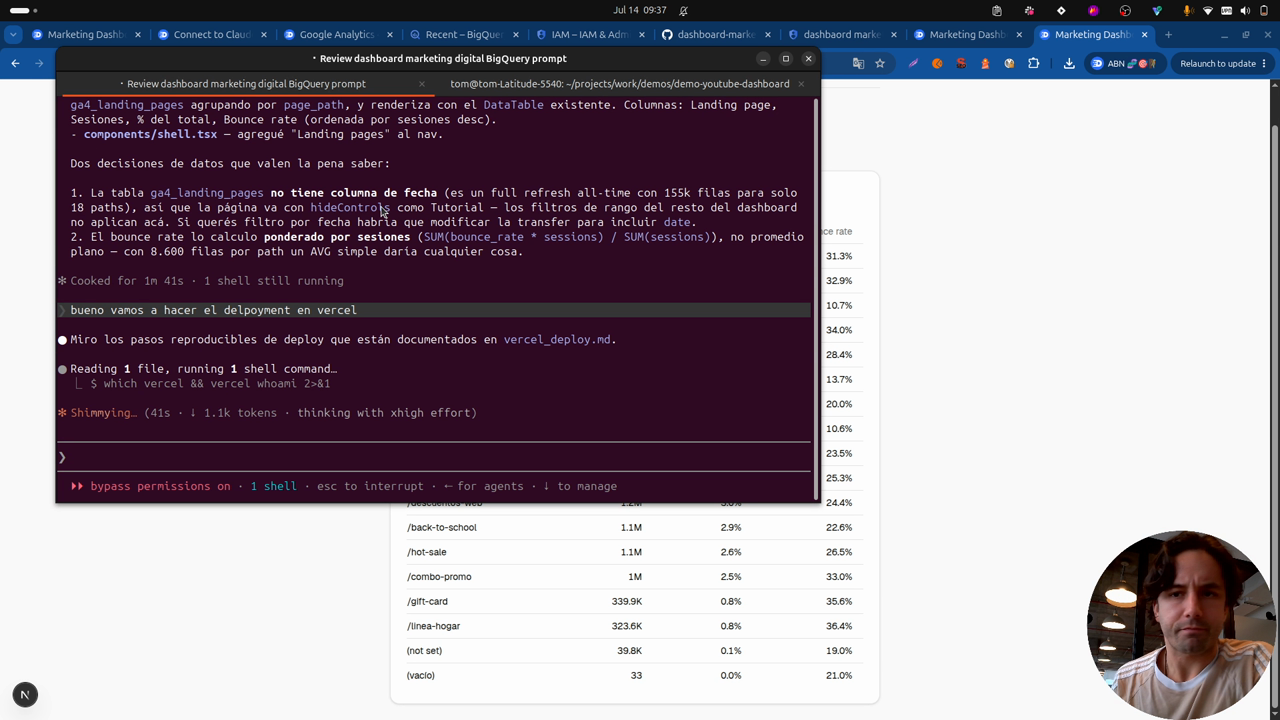
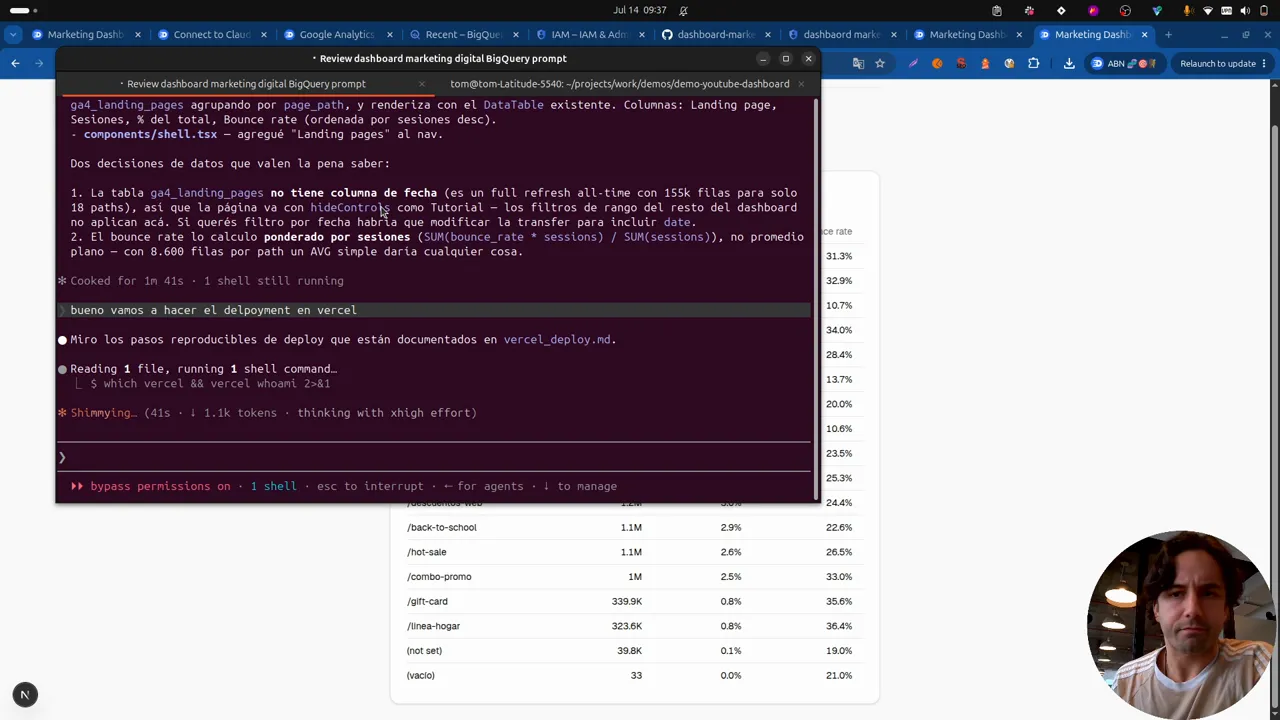
Once you’re happy with your dashboard on localhost, it’s deployment time. The GitHub repo explains how to install Vercel, but it’s trivial: create an account, install with npm, and you can even ask Claude to lend a hand.
With everything installed, Claude runs the deployment and the dashboard goes live, including the landing pages view added in the previous chapter. The app uses the service account created earlier to reach the BigQuery dataset and serve the data.
Mind the visibility
The deployed dashboard is open to everyone. In the video that’s fine because the data is fully anonymized, but if you have sensitive information, ask Claude to add a password. It’s simple, and it keeps your numbers from sitting open on the internet for anyone.
The full loop
With this, Claude stays connected to your data and to your code repository: you can modify the dashboard however you want.
And when you need to work the data side again (adding new fields, for example), you go back to Detrics, into table groups, and edit any of the tables. The edit lands in BigQuery; from there you can update the master and keep enriching the dashboard with more information. Full control of the data, which is the foundation of everything.
Want the next level? The data warehouse series builds the ad-level version: 3 years of Meta and TikTok history with every ad’s image in your own cloud.
Frequently asked questions
How do I install Vercel for the deployment?
It's simple: create an account, install with npm, and you can even ask Claude to lend a hand. The GitHub repo has the step by step.
Is the deployed dashboard public?
By default yes, it goes live for everyone. If your data is sensitive, ask Claude to put a password on the dashboard: it's simple and keeps it from sitting open on the internet.
How do I add new data to the dashboard once deployed?
Go back to Detrics, edit the tables in table groups, and the change lands in BigQuery. From there you update the master and ask Claude to enrich the dashboard with the new data.
All chapters in this series
- 0:00 1. A look at the final dashboard
- 4:24 2. Architecture and steps to build it
- 6:51 3. Step one: connect data sources and destinations with Detrics
- 8:52 4. Step two: create the tables and transfers to BigQuery
- 17:39 5. Step three: consolidate the tables and build the dashboard with Claude Code
- 31:46 6. Final step: deploy with Vercel
Want to build this with your own data?
